
How to Build an Amazon Storefront That Actually Converts
Most Amazon storefronts are brochures nobody visits. How to build one that earns its traffic — and the three sources of traffic worth sending to it.
Most Amazon storefronts get built once, look reasonably good, and are never measured again. That's because they're usually built as a brand brochure rather than as a page with a job.
A storefront is worth building properly for three specific reasons — and if you're not using at least one of them, the honest answer is that it's low priority compared to fixing your listings.
The three jobs a storefront actually does
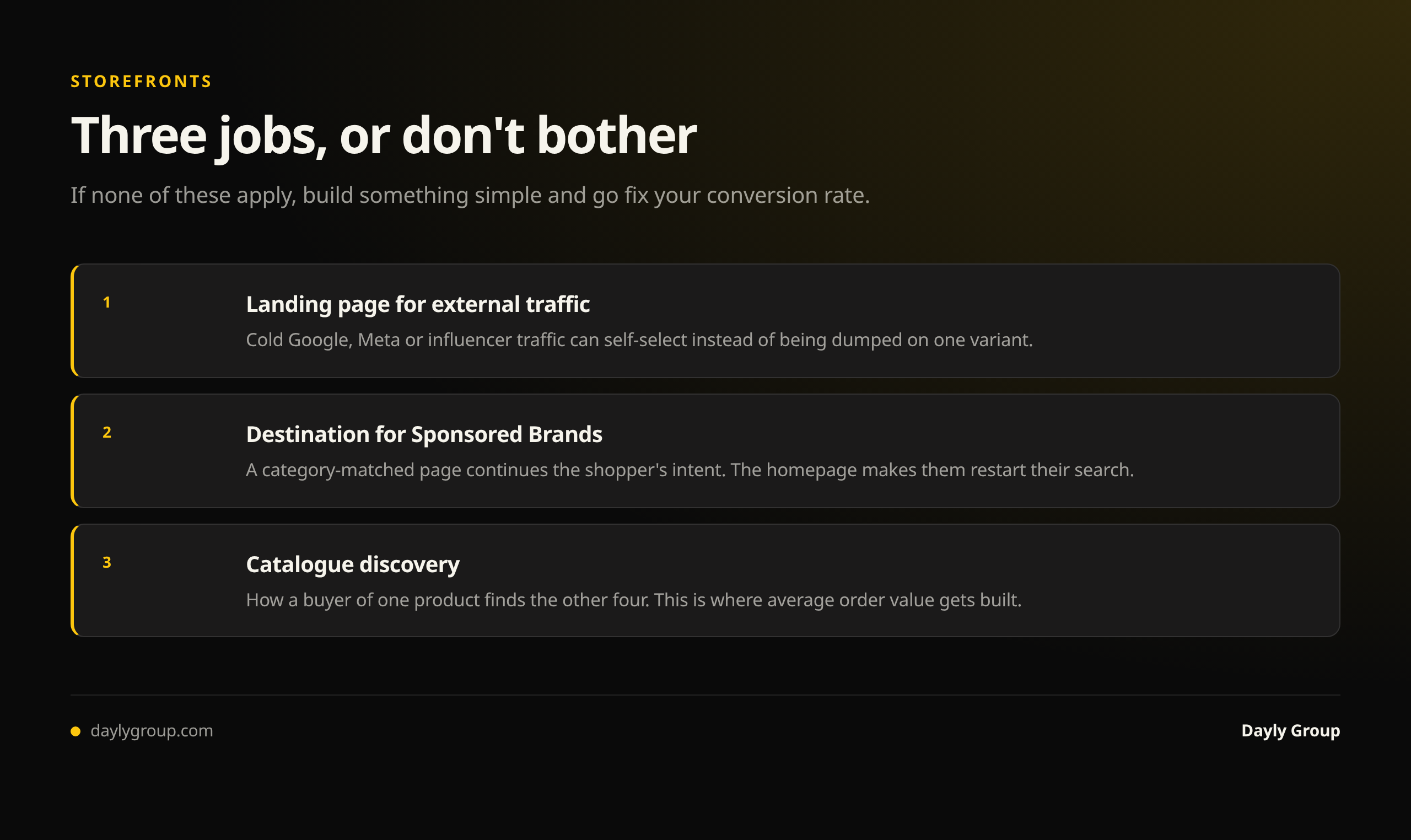
1. It's the landing page for external traffic. Sending Google, Meta or influencer traffic to a single ASIN wastes anyone not sold on that exact variant. A storefront lets cold traffic browse and self-select, and it's the one place on Amazon where you control the whole page. If you run external traffic, this is the highest-value reason. Amazon external traffic strategy covers the attribution side.
2. It's the destination for Sponsored Brands. Sponsored Brands ads can point to a storefront page instead of a product list. Done well, a category-matched storefront page converts better than a generic grid because it continues the shopper's intent rather than restarting it.
3. It's where catalogue discovery happens. For brands with real catalogue depth, the storefront is how a buyer of one product finds the other four. This is where average order value gets built.
If none of those apply — one product, no external traffic, no Sponsored Brands — build something simple and go fix your conversion rate instead. That's the honest priority order.
What converts
Lead with the product, not the brand story. The single most common failure is a full-width lifestyle hero with a tagline and no products above the fold. A shopper who clicked an ad for a specific thing now has to hunt for it. Show products immediately; the story can come after.
Match the page to the ad. If your Sponsored Brands ad targets a specific category term, send it to a storefront page about that category, not the homepage. Intent continuity is most of the conversion difference.
Build pages per category, not one long scroll. Sub-pages let you match traffic sources to relevant pages and give you separate performance data per page.
Make navigation obvious and shallow. Clear labels naming the category. Anything more than two clicks from entry to product effectively doesn't exist.
Use the shoppable modules. Product grids, featured deals and the shoppable image module put the add-to-cart closer to the shopper. Static image blocks look better in a design review and convert worse.
Show price and reviews in the grid. Shoppers who can't see price assume it's high. Reviews carry the credibility.
Design for mobile first. The majority of the traffic is mobile, and desktop-designed heroes routinely crop badly with the text illegible. Preview every page on mobile before publishing.
Keep it current. A storefront featuring a discontinued product or a lapsed promotion is worse than a plain one, because it breaks trust.
What doesn't convert
- Video hero with no products visible. Impressive, slow, and it delays the only action available.
- Brand manifesto copy. Nobody arrived to read your founding story.
- Deep hierarchies. Six sub-pages nobody reaches.
- Every SKU on one grid. No hierarchy means no guidance, and the shopper leaves.
- Award badges and press logos as the main content. Mild trust signals at best; they don't sell a product.
How to tell if it's working
This is the part almost nobody does. Storefront Insights gives you visitors, page views, sales and sales per visitor, broken down by source and page.
The metric that matters is sales per visitor, by traffic source. That tells you whether the storefront is doing a job or absorbing clicks that would have converted better on a product page.
Three checks worth running:
- External traffic: does sending paid traffic to the storefront beat sending it to your best ASIN? Test it directly — the answer varies by brand and it's the whole justification for the build.
- Sponsored Brands: compare storefront-destination versus product-list-destination on the same campaign.
- Per page: if a sub-page gets traffic and produces no sales, it's a navigation or relevance problem, not a design one.
If you've never opened Storefront Insights, that's the first thing to do, before redesigning anything.
A realistic build order
- Homepage with products above the fold, price and reviews visible.
- One sub-page per meaningful category, named the way shoppers search.
- Mobile preview of every page before publishing.
- Point Sponsored Brands at the matching sub-page rather than the homepage.
- Check Insights after 30 days and cut what gets no traffic.
That's a day of work, not a quarter. The mistake is treating a storefront as a design project rather than a conversion surface with measurable output.
If you want a read on whether your storefront is earning its traffic, see what we've done for other brands and book a Gap Analysis call.
FAQ
Q: Does an Amazon storefront increase sales? A: It does when it's serving a specific job: catching external traffic that would otherwise land on a single ASIN, receiving Sponsored Brands clicks on a category-matched page, or helping buyers discover a deeper catalogue. If you have one product, no external traffic and no Sponsored Brands campaigns, a storefront adds little and your conversion rate deserves the attention instead.
Q: What makes a good Amazon storefront? A: Products visible above the fold rather than a brand hero, one page per meaningful category so pages can match traffic intent, shallow and obviously labeled navigation, shoppable modules instead of static images, price and reviews visible in grids, and a mobile-first layout since most traffic is mobile.
Q: How do I measure Amazon storefront performance? A: Use Storefront Insights and focus on sales per visitor broken down by traffic source and page. Then test directly: does external paid traffic convert better on the storefront or on your best product page? Does a Sponsored Brands campaign perform better pointing at a storefront page or a product list? Traffic with no sales on a sub-page indicates a relevance problem.
Q: Should Sponsored Brands ads point to a storefront or a product list? A: Test both, but a category-matched storefront page usually wins over a generic grid because it continues the shopper's intent. Pointing every Sponsored Brands campaign at the storefront homepage is the version that tends to underperform, because the shopper has to restart their search on arrival.
Q: How long does it take to build an Amazon storefront? A: A well-structured storefront — homepage with products above the fold, a handful of category sub-pages, mobile checked — is roughly a day of work. It's a conversion surface to measure and iterate on after 30 days of Insights data, not a design project to finish and forget.
Keep reading
Book a free Gap Analysis. We'll tell you what's leaking, what's scaling, and where the next 30% lives.
Book a Gap Analysis →